Meme Maker
Create viral memes instantly with our premium canvas editor.
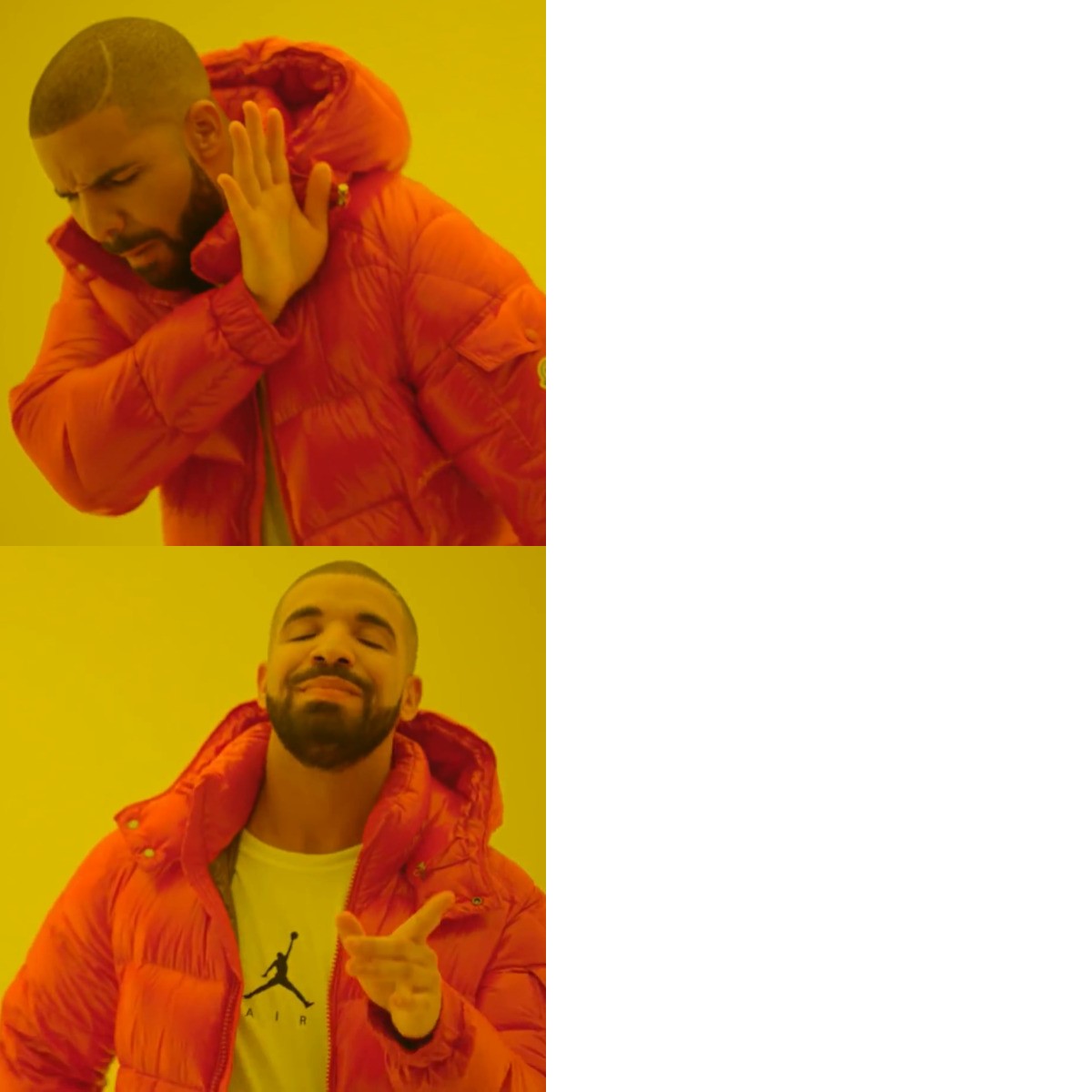
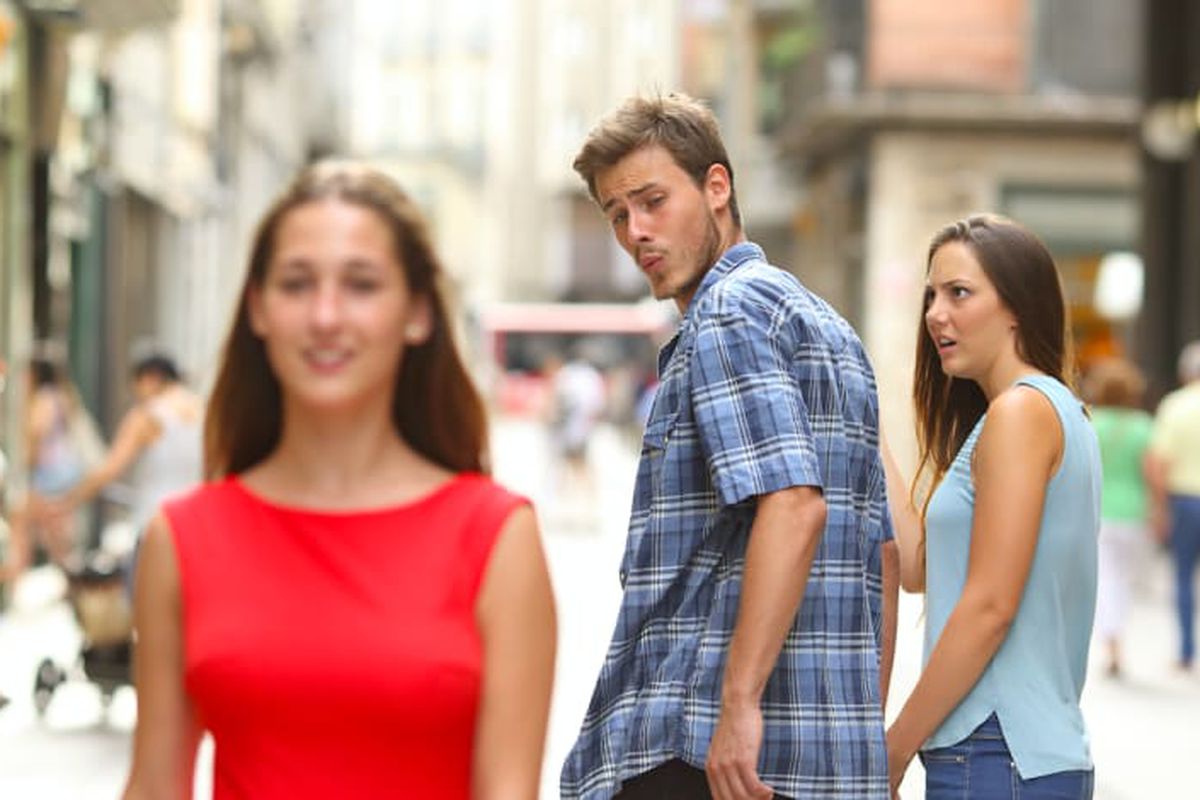
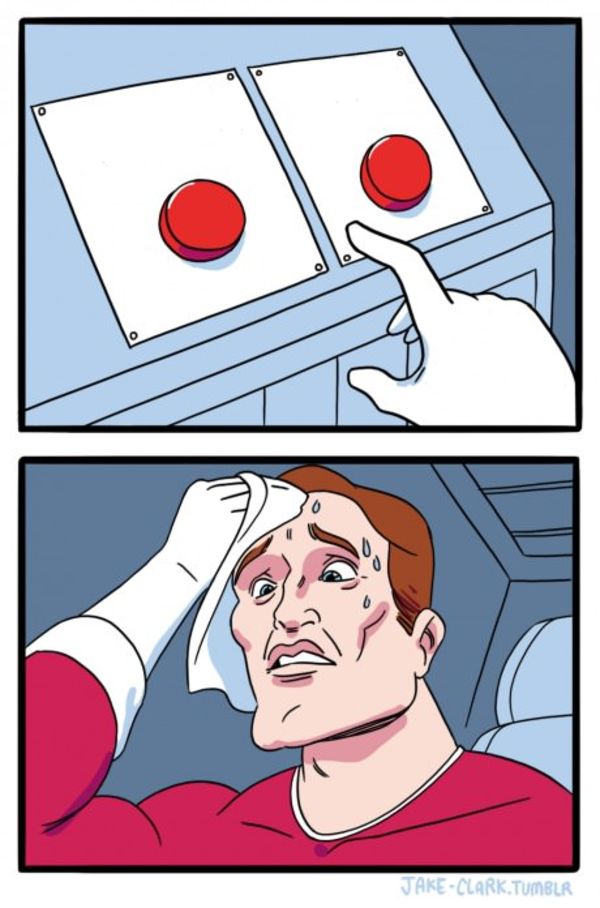
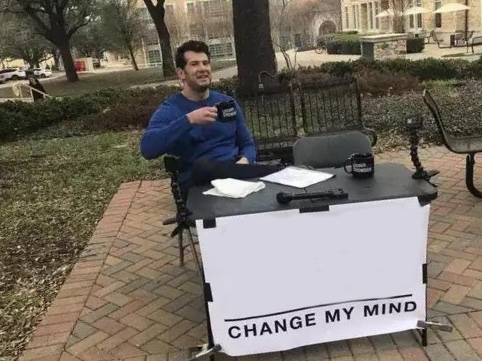








📖 How to Use Meme Maker
1. Create: Upload an image or choose a template.
2. Edit: Add text and position it by dragging.
3. Generate & Save: Click "Generate Meme" to process, then "Save Meme" to download.
Meme Maker
Unleash your creativity with the PlayTool Meme Maker. This easy-to-use editor lets you turn any image into a funny, shareable meme in seconds. Choose from your own uploaded photos or use our canvas to design from scratch. With customizable text, fonts, and positioning, you have full control over the look and feel of your creation. Unlike complex photo editors, our tool is streamlined specifically for meme generation, making it the fastest way to join the conversation on social media.
Key Features
Custom Text Styles: Adjust font size, color, outline, and position to make your text pop.
Drag & Drop: Easily position text blocks exactly where you want them on the image.
High Quality Output: Download your memes as crisp PNG or JPG files ready for sharing.
No Login Required: Start creating immediately without accounts or sign-ups.
Works with Any Image: Upload photos, screenshots, or drawings from your device.
Common Uses
Frequently Asked Questions
Can I use my own fonts?
Currently, we provide a curated selection of the most popular and readable meme fonts (like Impact and Arial) to ensure your memes look authentic and are easy to read.
Is there a watermark?
No watermarks! We believe your content belongs to you. Create and share freely.
Do you save my images?
No. All image processing happens in your browser's temporary memory. Once you close the tab, your data is wiped.